
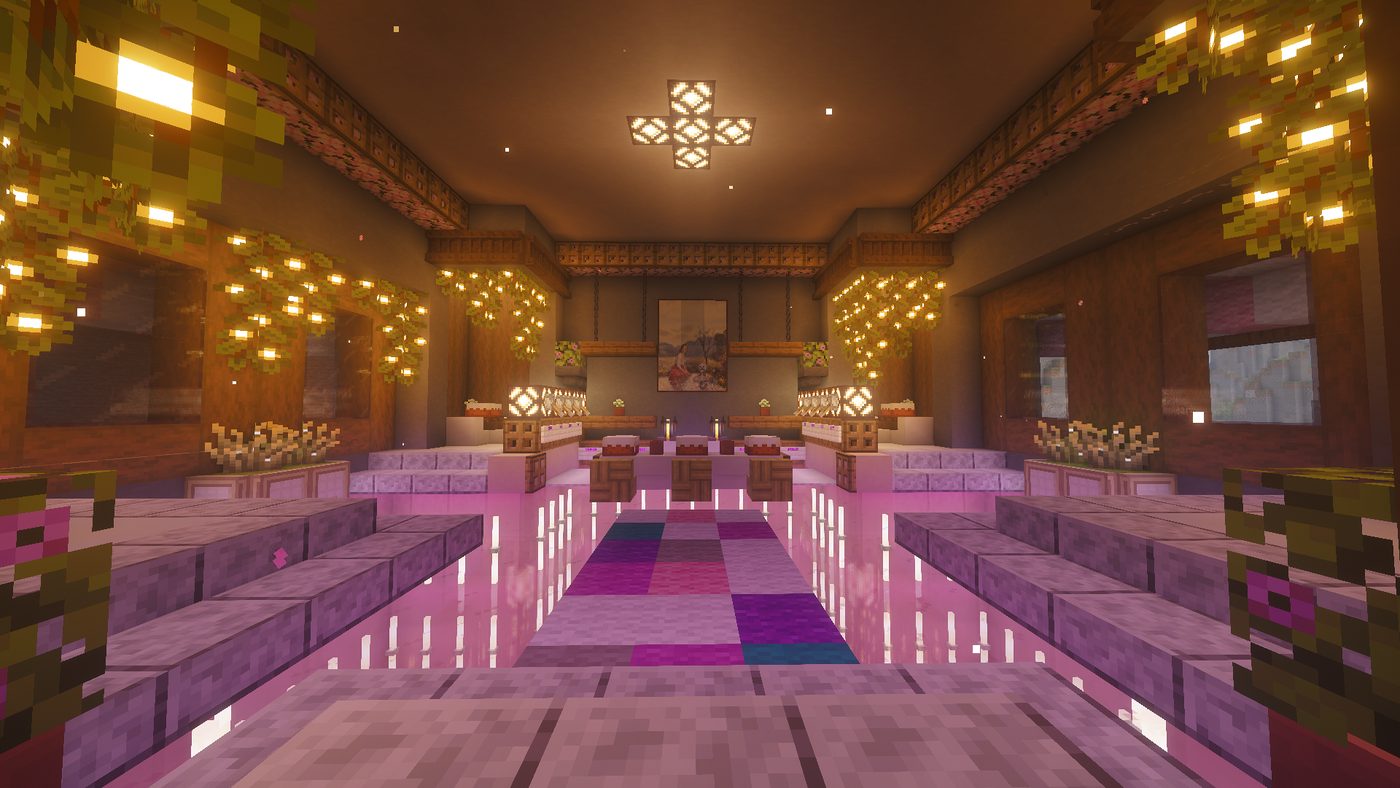
Cozy Survival
Gather, build, farm and explore at your own pace in a world made for hanging out.
Build cozy, play together, stay up way too late. Come curl up with us.
A small, friendly survival world where everyone is welcome and nobody has to play alone.
Gather, build, farm and explore at your own pace in a world made for hanging out.
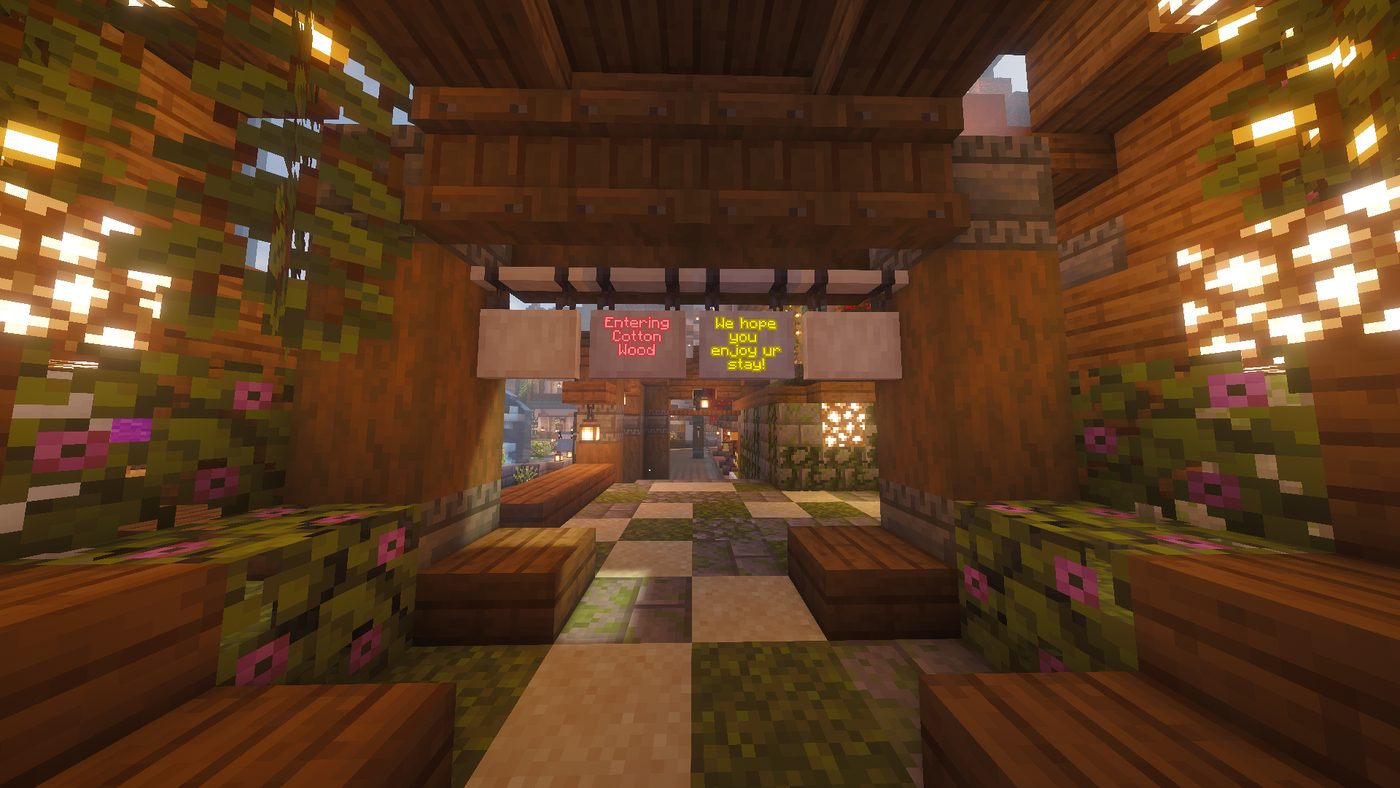
A welcoming crowd of players and staff. Be kind, have fun, make friends.
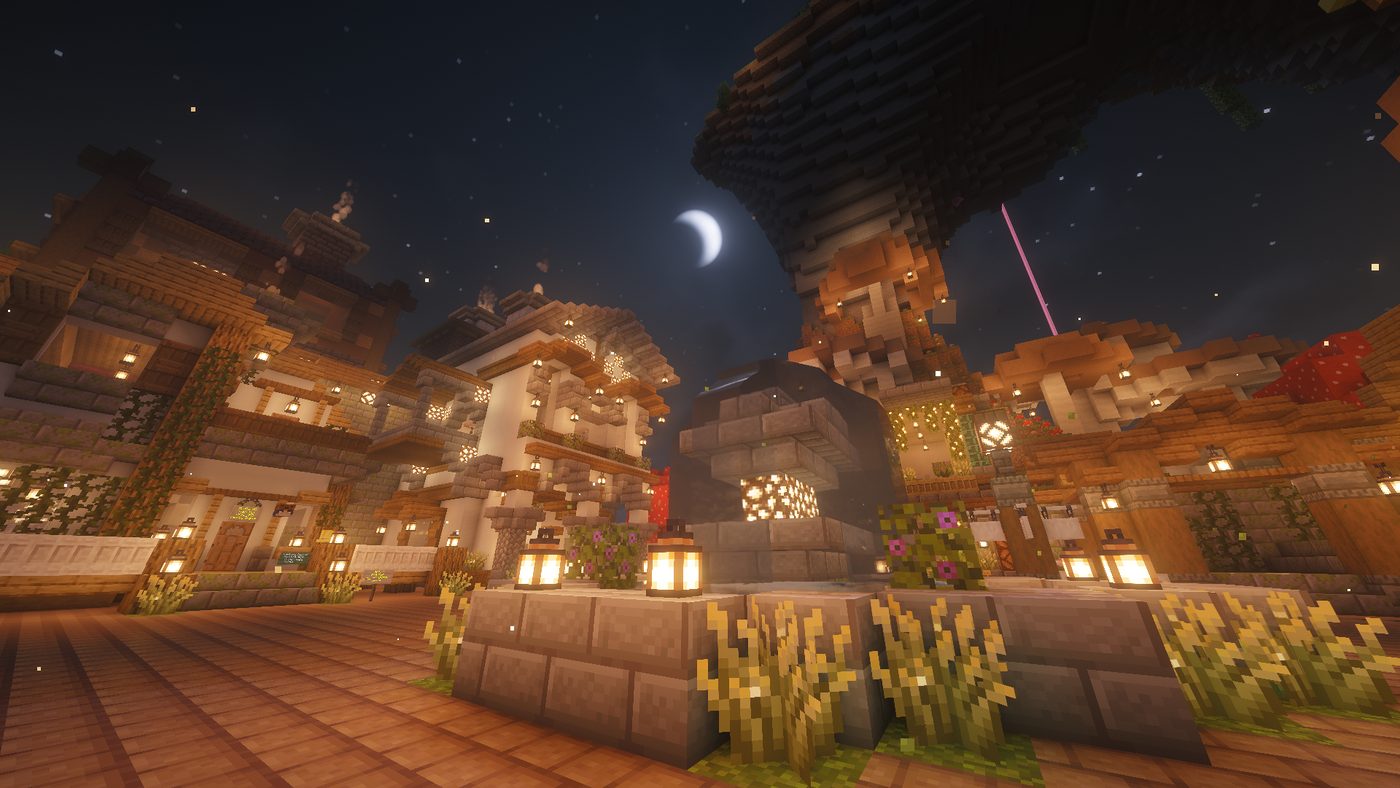
Someone is always up. Hop on whenever you like and say hi.
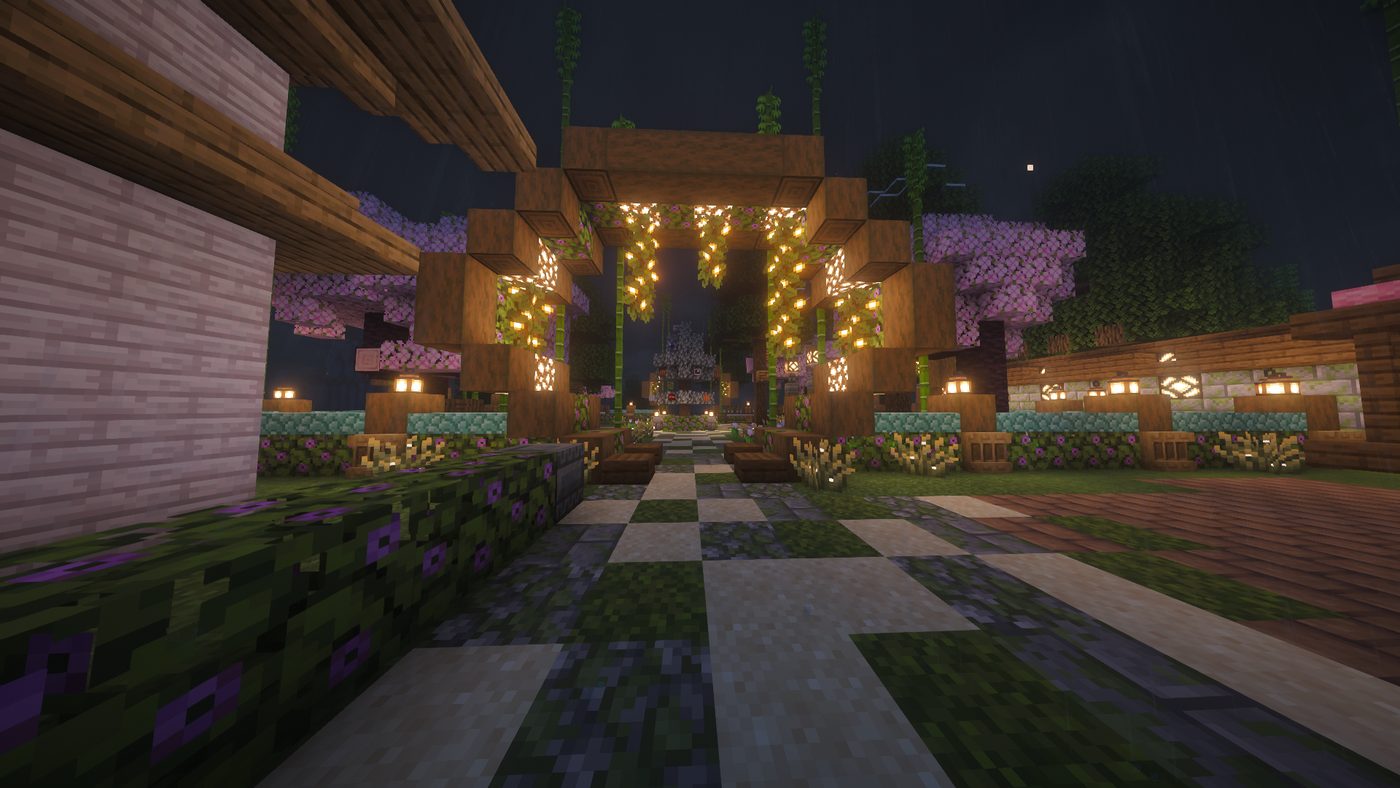
Neighbouring bases, shared projects and community builds. Bring your best ideas.
Playing on Java or Bedrock? Pick your edition below. Both can join the same world.
Open the Minecraft Launcher and pick the 1.21.11 installation (or newer, if your launcher allows it), then press Play.
On the title screen click Multiplayer. Accept the multiplayer safety warning if it appears.
Click Add Server at the bottom. Name it anything, like Kamikitten SMP.
Paste thekamikittensmp.pals.army into Server Address. Leave out any port number.
Click Done, select the server, and press Join Server. Welcome to the pack!
Open Minecraft on your device and make sure it's fully up to date, then press Play.
Open the Servers tab at the top of the Play screen and scroll down to Add Server.
Set Server Name to anything you like, Server Address to thekamikittensmp.pals.army, and Port to 17330.
Press Save, then select the server from your list and hit Join Server.
Consoles can't add servers directly. Add the server on a phone or PC first, or use a friend-join or BedrockConnect helper, then jump in.
thekamikittensmp.pals.army, with no spaces and no http://.Everything running on the Kamikitten SMP right now.